
How to Blur a Face on iPhone
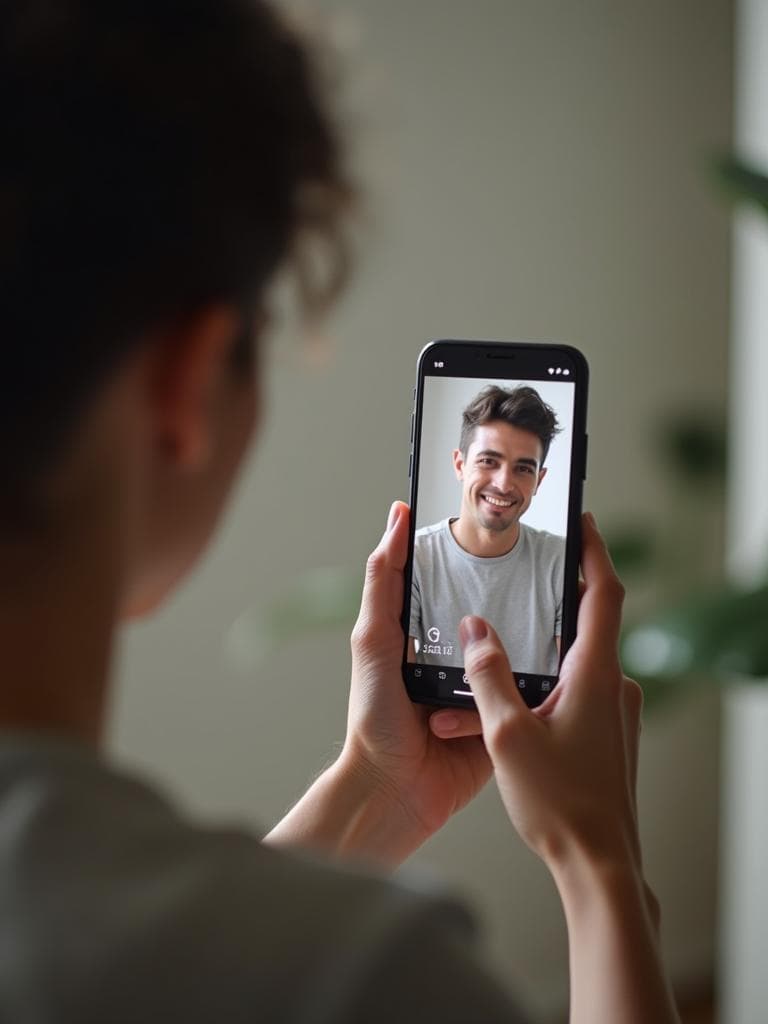
Need to quickly blur a face in a photo on your iPhone? Whether you're protecting someone's privacy, hiding a stranger's identity, or just want to share a photo without revealing who's in it—there's a faster way than downloading an app.
Our free online tool uses AI to instantly detect and blur any face in your photo, directly from Safari on your iPhone. No app. No signup. No cost.
When You Need to Blur a Face
Protect Someone's Privacy
Need to share a photo but someone in it didn't consent? Blur their face to respect their privacy while still sharing your moment.
Hide a Stranger's Identity
Took a great street photo or travel shot with random people in frame? Blur their faces before posting to social media.
Anonymize for Work
Creating content for your business? Blur customer or colleague faces to comply with privacy policies.
Protect Your Child
Want to share photos of your kids but worried about their digital footprint? Blur their faces for added safety.
The Fastest Way to Blur a Face on iPhone
Forget about downloading yet another app that takes up storage and shows you ads. Our web-based tool is designed to work perfectly on iPhone:
- →Open Safari and go to blur-faces.com
- →Upload your photo from Camera Roll
- →AI detects the face and blurs it automatically
- →Download and share your privacy-protected photo
The whole process takes less than 10 seconds. No account needed.
Why Not Use an App?
Storage Space
Photo editing apps can take 100MB+ of your iPhone storage. Our tool uses zero.
Hidden Costs
Most "free" apps require subscriptions or show intrusive ads. We're actually free.
Privacy Concerns
Apps often access your entire photo library. We only see the photo you upload.
Frequently Asked Questions
Can I blur just one face if there are multiple people in the photo?
Currently, our AI blurs all detected faces automatically. This ensures no one's privacy is overlooked. We're working on selective face blurring for a future update.
Does this work on iPad too?
Yes! Our tool works on any device with a web browser, including iPad, Android phones, and desktop computers.
Will the blurred image have a watermark?
No. Your downloaded image is completely clean with no watermarks, logos, or branding.
Is my photo safe?
Absolutely. Your photo is processed in real-time and immediately deleted from our servers. We never store, share, or access your images.
Blur a Face in Seconds
Stop searching for apps. Open Safari, upload your photo, and get a privacy-protected image in under 10 seconds. It's that simple.